Adding SSH Passphrase to Your Keychain on macOS Sierra
Tags: #osx
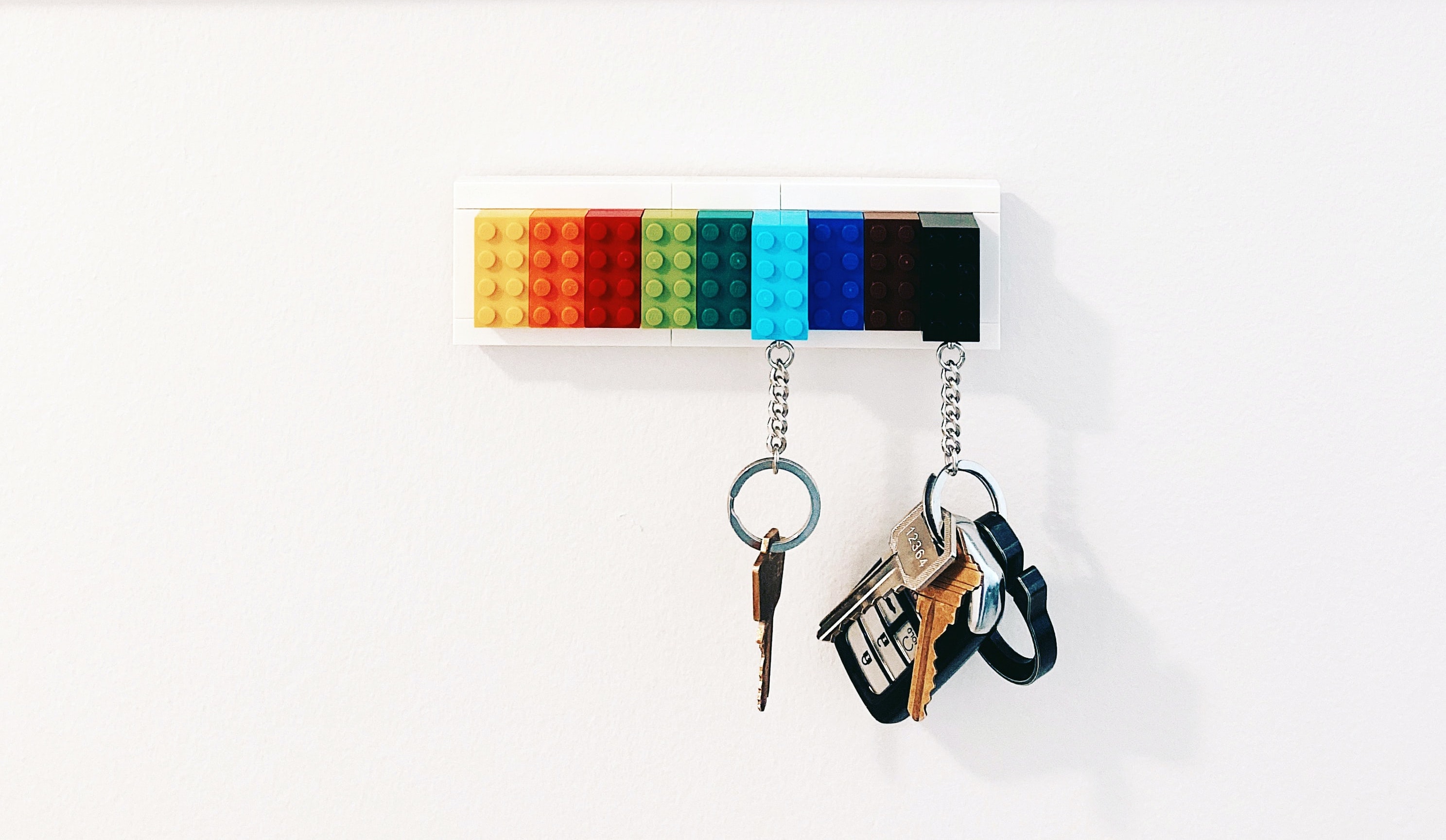 Photo by Scott Webb on Unsplash
The truth is that I just don't have anywhere better to jot this down for my own future reference, so I'm inflicting it on the world as another blog post. I guess it could prove helpful to some people too, so there's that.
Due to a recent security announcement, I decided it was time to stop putting off my upgrade to Sierra.
After dinner that night I forgot to make sure my latest Apache config changes were checked into git and took the plunge. A couple of hours later and I was back on my feet. For what it's worth, not much has changed in the day to day operation of my computer, so that's good.
However, one thing I noticed quickly –aside from the fact that Apple brazenly threw out anything they deemed unnecessary in my Apache config, as they always do– was that I was now required to enter my SSH passphrase every time I use ssh.

In general I would say this is a good thing. I am pro-security. But I use ssh for my git repos and I'm pushing and pulling commits all day long. Entering my password 50+ times in a day doesn't sound fun. I use whole-disk encryption, a strong system password, require my password immediately after the screen saver kicks on, and have developed a healthy habit of throwing my mouse cursor into the hot-corner that activates the screen saver if I have to leave my laptop unattended.
Also, I work from home so I more frequently go outside in my slippers than leave my laptop on a desk in an office while I use the restroom. (I estimate this at about a 200:1 ratio. I really like my slippers.)
While conceding that it is slightly less secure now, I also feel that requiring it so often before was overkill. I asked on Twitter if anyone had advice, and as it so often does, the internet delivered.
First, add the key to the keychain:
$ ssh-add -K /Users/atcodes/.ssh/id_rsaNote that the absolute path to the key file is used, not ~/.ssh/id_rsa.
Then, add this file as ~/Library/LaunchAgents/ssh.add.a.plist:
<?xml version="1.0" encoding="UTF-8"?>
<!DOCTYPE plist PUBLIC "-//Apple//DTD PLIST 1.0//EN" "http://www.apple.com/DTDs/PropertyList-1.0.dtd">
<plist version="1.0">
<dict>
    <key>Label</key>
    <string>ssh-add-a</string>
    <key>ProgramArguments</key>
    <array>
        <string>ssh-add</string>
        <string>-A</string>
    </array>
    <key>RunAtLoad</key>
    <true/>
</dict>
</plist>
You can create it from your terminal with this one-liner: curl -o ~/Library/LaunchAgents/ssh.add.a.plist https://raw.githubusercontent.com/jirsbek/SSH-keys-in-macOS-Sierra-keychain/master/ssh.add.a.plist
This adds a startup task that will run ssh-add -A every time you restart your computer.
Now your SSH passphrase isn't required quite so often.